×
Octave Play
  • 0Shopping Cart
  • Home
  • Products
    • KORG
      • Pa300
      • Pa500
      • Pa600
      • Pa700
      • pa800
      • Pa900
      • Pa1000
      • pa1x
      • Pa2x
      • Pa3x
      • Pa4x
      • Pa5x
      • Havian30
      • Pa80
      • Pa50
    • YAMAHA
      • A2000
      • A3000
      • A5000
      • S750
      • S950
      • S670
      • S770
      • S775
      • S970
      • S975
      • SX600
      • SX700
      • SX900
      • Tyros5
      • Genos
    • MP3 Rhythm
  • About us
  • Contact us
  • Menu Menu
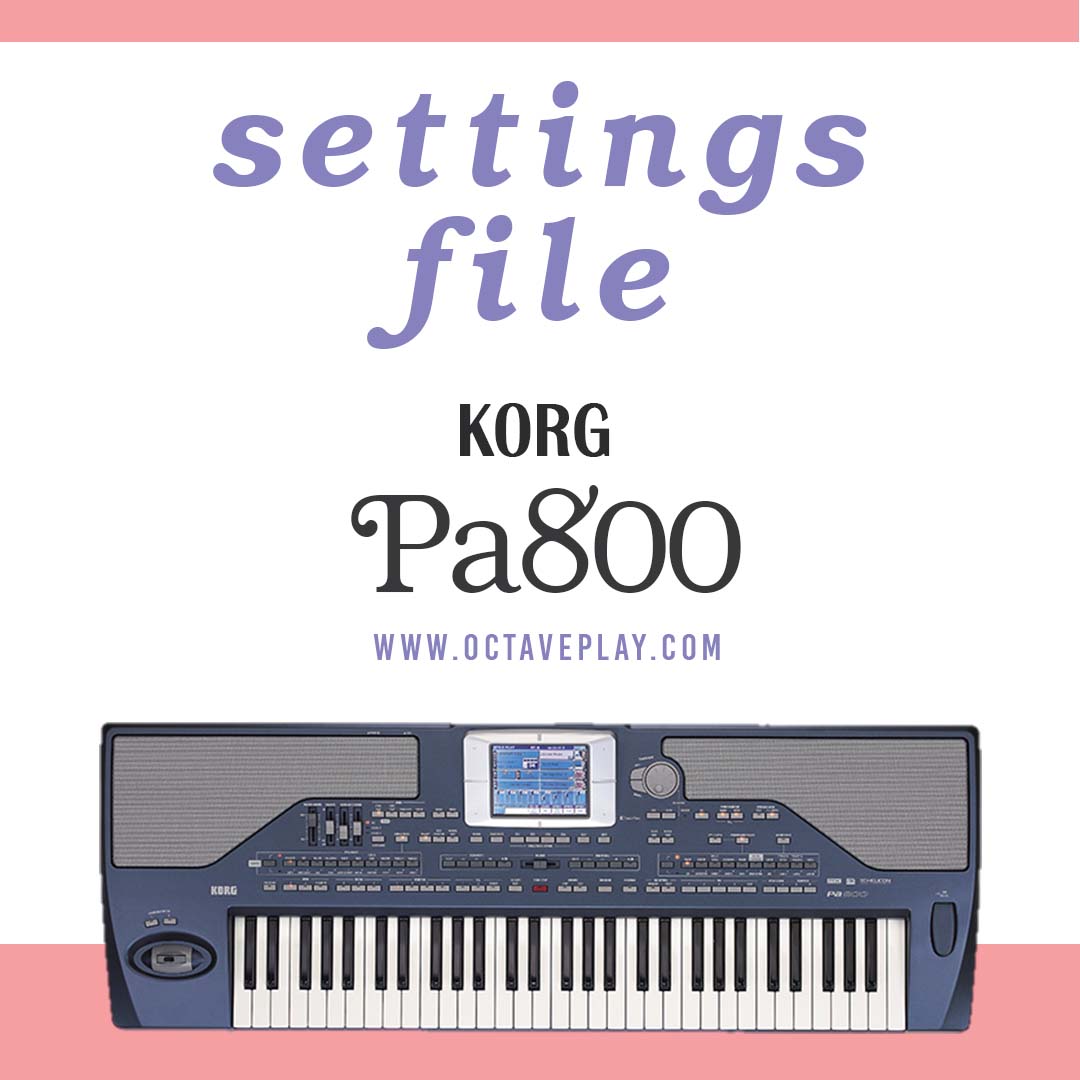
KORG Pa800 settings file

KORG Pa800 settings file

Free

Settings such as:

  • Touch after touch of keyboards
  • The three buttons above the pitch bend are assignable switches
  • Screen light, backlight of buttons and pitch pend
  • Turn off, change, transpose the mp3 song
  • Turn off automatic selection of rhythm and keyboardset
  • Turn off keyboardset change with rhythm or variations
  • Equalizer
  • Turned on a quarter of the curtain for Lower and Rhythm
  • Lock transpose change and tunning by changing keyboardset
  • Setting the options section that should be locked or open
  • Assignable knobs for rhythm, melody, multipad
  • Split of keyboards for chord and melody G3
  • Put fill mode on target variation
  • Placing chords on 3 fingers
  • 10 seconds for the fade in/out button
  • MIDI input and output
  • Video output to connect to the monitor

GLOBA KORG Pa800 Octave Play

+60132716381

Instagram Octave Play

octaveplay.com@gmail.com

Categories: KORG, pa800 Tags: global, korg, Pa800, setting
  • Description
  • Reviews (0)

Description

KORG Pa800 settings file(Global) ram64,128,256

After buying the KORG Pa800 (all rams) keyboard, you should change the settings of the device according to your usage. For example, you want the quarter curtain or transpose not to change when you change the volume.Or, for example, you want to play an Mp3 song with the keyboard and play along with it when changing the transpose and sync Playing with the song, the transpose of the song changes by changing the transpose buttons, but you want only the melody transpose to change and the song to remain the same.

We have set all the settings you need to play according to a standard that most musicians use. We have put its file below, you can download it and install it in the keyboard. And you can change these settings according to your taste, for example, we have set the keyboard touch setting to medium, you may want to touch The keyboards can be more or less, so you can make the changes yourself.

We have posted all the Korg Pa800 settings tutorials on YouTube with the details of each option, you can see them and understand the uses of this device better.

Download KORG Pa800 setting

GLOBA KORG Pa800 Octave Play

Extract the file from the zipped folder

After downloading the file, extract it from the zip folder and put it on the usb. Don’t forget to always press the Eject on your phone or on your laptop after transferring any file to the usb so that the usb is safe and it is better to extract the files from the compressed mode Use the Winrar program. This is a free program for Windows, Android and iPhone platforms.

How to install korg Pa800 settings file

This file will be installed like a load set. After copying the file, connect the USB to the keyboard and press the Media button.

Below the screen is the first Load option. There is a drop-down bar on this screen which defaults to KORG DISK, set it to USB. Select the file and click load to install the configuration file.

The settings remain constant by turning the device off and on

Keep in mind that you have changed any settings on the keyboard, press the “My Sitting” button on the keyboard panel for a few seconds. hold it and press ok on the screen so that your settings do not change after turning the device off and on. You can also output the settings of your keyboard so that if the settings of the device are messed up, you can install it quickly.

+60132716381

Instagram Octave Play

octaveplay.com@gmail.com

Reviews

There are no reviews yet.

Be the first to review “KORG Pa800 settings file” Cancel reply

Your email address will not be published. Required fields are marked *

Related products

  • Afghan Korg Pa4x set

    Afghan Korg Pa4x set

    $88
    Add to cart Show Details
  • Iranian Korg Havian30

    Iranian Korg Havian30 set-2

    $42
    Add to cart Show Details
  • Iranian Korg Pa4x set - number 1

    Iranian Korg Pa4x set – number 1

    $80
    Add to cart Show Details
  • afghan set korg pa1000

    Afghan Korg Pa1000 set

    $88
    Add to cart Show Details

Contact us

@octaveplayadmin

Phone: +60132716381

Email: octaveplay.com@gmail.com

Product categories

  • KORG
  • MP3 Rhythm
  • YAMAHA

KORG Pa600 QT settings file KORG Pa600 QT settings file KORG Pa1x settings file KORG Pa1x settings file
Scroll to top